Guides › Photos
Profile and CV photo size limits for job sites (2026)
Updated 22 November 2026 · by Vistaar Studio
Short answer: LinkedIn takes a profile photo from 400 × 400 to 7680 × 4320 pixels, up to 8 MB, PNG or JPG. Xing recommends 1024 × 1024, up to 20 MB. Europass: PNG or JPG under 20 MB. Our suggestion (not an official rule): one square 1024 × 1024 JPG, well under 5 MB, fits every limit in the table below.
For every row we read the platform's own help page and wrote down only what it says, with a link. Where the page gives no number, the cell says "not stated". Checked 22 November 2026. These pages change, so follow the link before you rely on a figure.
The table
| Platform | Pixels | File size | Formats | Official source |
|---|---|---|---|---|
| LinkedIn profile photo | Between 400 × 400 and 7680 × 4320 | Maximum 8 MB | PNG or JPG. GIFs not supported | LinkedIn Help checked 22 Nov 2026 |
| LinkedIn cover image (background) | 1584 × 396 recommended | Less than 8 MB | JPG or PNG | LinkedIn Help checked 22 Nov 2026 |
| Indeed profile photo (in the Indeed app) | Not stated | Smaller than 30 MB | JPG, PNG or HEIC | Indeed Help checked 22 Nov 2026 |
| Europass CV photo | Not stated | Less than 20 MB | PNG or JPG | Europass FAQ checked 22 Nov 2026 |
| Xing profile photo | 1024 × 1024 recommended | Maximum 20 MB | JPG, BMP or PNG | Xing Help checked 22 Nov 2026 |
| Xing cover image (Premium members) | 1280 × 624 recommended; the part seen straight away is 1280 × 338 | Maximum 20 MB | JPG, BMP or PNG | Xing Help checked 22 Nov 2026 |
| Malt profile picture | 500 px minimum | Up to 5 MB | JPG and PNG only | Malt Help (figures appear on the Malt Strategy application page; Malt's general profile page gives none) checked 22 Nov 2026 |
| Upwork profile picture | Not stated | Not stated | Not stated, except that GIF photos are not acceptable | Upwork Help checked 22 Nov 2026 |
| Fiverr profile picture | Not stated ("high-resolution") | Not stated | Not stated, except that GIFs are not allowed | Fiverr Help checked 22 Nov 2026 |
| Naukri profile photo | Not stated | Not stated | Not stated | Naukri photo guidelines checked 22 Nov 2026 |
Upwork, Fiverr and Naukri publish rules about what the photo must show, but no pixel or KB figure on the pages we read. For those three, the upload box in your own account is the only reliable source. We have left out the numbers other websites quote for them because we could not trace them to an official page.
What the pages say about the picture itself
- Leave room around your face. LinkedIn recommends "a photo that won't require much cropping" and lets you adjust it after upload. Upwork asks you to "adjust and crop the photo to your face" as you upload. If your face sits in the middle with some space on every side, you can crop either way.
- Head and shoulders, face clear. Upwork asks for a close-up of your head and shoulders, similar to a passport or ID photo, and rejects sunglasses, side views, and photos with text or watermarks.
- One person, a recent photo. Naukri rejects group photos, blurred photos and childhood photos. Fiverr asks for a recent photo where you are the sole focus.
- Keep it straight. Malt asks for a face that is "straight and not tilted" and says it checks photos with facial recognition.
- No GIFs. LinkedIn, Upwork and Fiverr all say so.
Make the photo on a Mac, for free
Work on a copy. Select the photo in the Finder and press ⌘ D to duplicate it, because Preview changes the file you have open.
In Preview: crop square, resize, export
- Open the copy in Preview. Hold Shift and drag across the photo. Shift keeps the selection square. Drag the selection so your face is in the middle.
- Press ⌘ K (or choose Tools › Crop).
- Choose Tools › Adjust Size, set the units to pixels, keep Scale proportionally ticked and type 1024 for the width. If your square is already smaller than 1024, leave it alone; making a photo larger only makes it softer.
- Choose File › Export, set Format to JPEG and move the Quality slider. Preview shows the File Size under the slider as you move it, so you can see the result before you save.
In Photos: Square crop
Open the photo, click Edit, then Crop, then Aspect › Square. Drag the photo inside the frame to centre your face and click Done. Then use File › Export to save a JPEG copy and choose a size there.
In Terminal: sips
macOS includes a command called sips. First ask for the photo's size:
sips -g pixelWidth -g pixelHeight photo.jpgSay it reports 3000 × 2000. The shorter side is 2000, so crop a 2000 square from the centre, then scale it down:
sips -c 2000 2000 photo.jpg --out square.jpg
sips -Z 1024 square.jpg --out profile.jpg
Three things to watch:
-ccrops to exactly the pixel size you type, from the centre. It does not find the face. If the number is bigger than the photo, sips pads the picture with a border instead of cropping, so use the photo's own shorter side.-Z 1024makes the longest side 1024 pixels. It also enlarges a photo that is smaller than that, so skip this step for small photos.- Without
--out, sips overwrites the original file.
More detail on cropping is in how to make an image square on Mac. If a form asks for a tiny file, see how to resize a photo to 50 KB on Mac. For a plain backdrop, see how to remove a background on Mac.
A CV photo is not a passport photo. None of the pages above asks for passport dimensions. If an employer or a visa form does, use the official figures in passport photo size by country.
Doing a folder at a time: Pictailor
We make this app, so weigh this part with that in mind. The free methods above work. Pictailor, our batch photo resizer for Mac, does the same job with buttons:
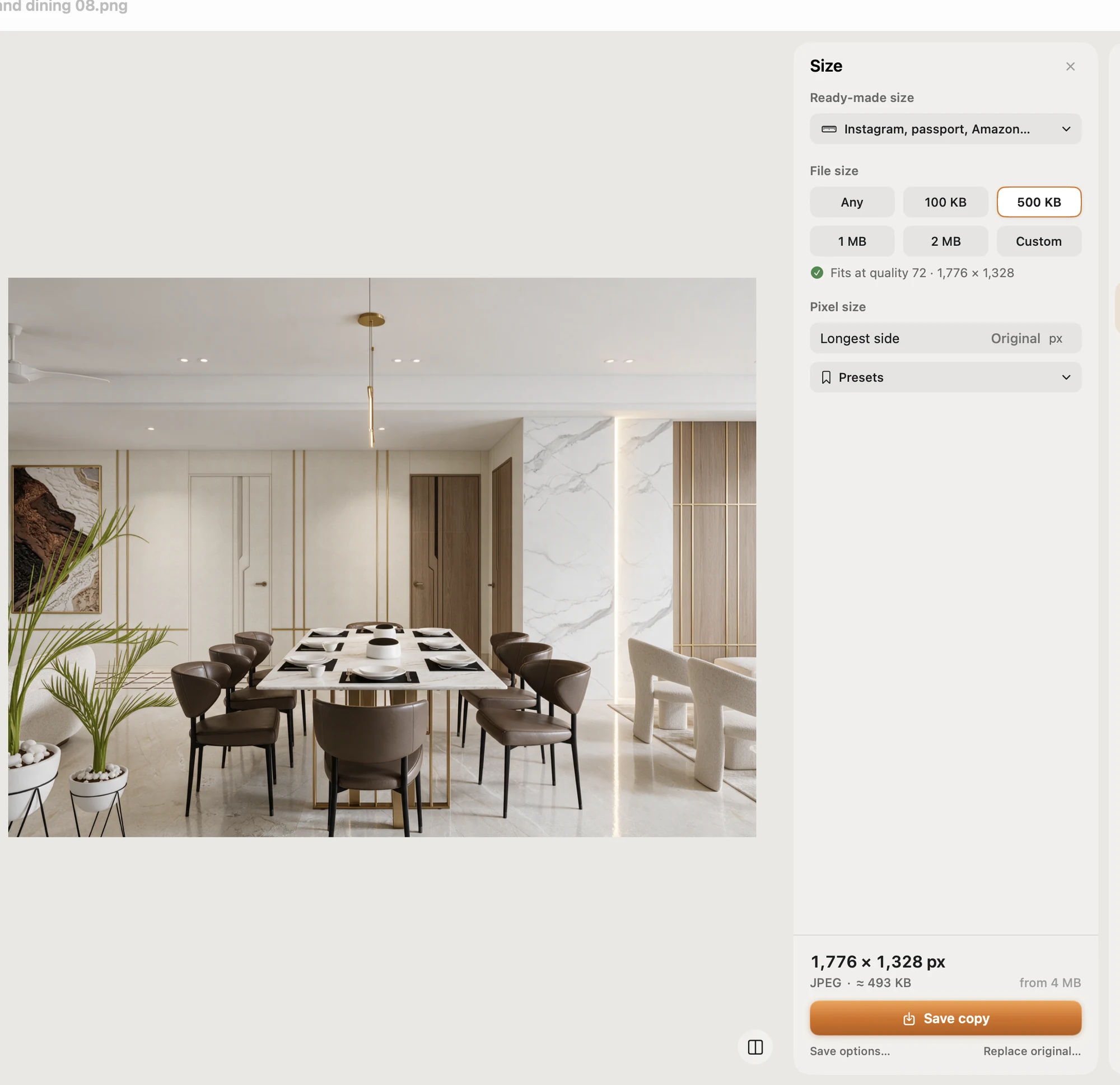
- Resize, crop and compress a whole folder in one Save. Originals are never changed; copies go to a Pictailor folder beside them.
- Compress to an exact file size (for example under 500 KB, 100 KB or 20 KB), checked on the real saved file. It never enlarges a photo.
- Ready-made sizes for social posts, online shops, passport and ID sizes, exam photos and signatures. It can also remove a background on your Mac.
- Right-click photos in the Finder (Services) to resize without opening the app.
- Works with JPEG, PNG, HEIC, TIFF, PDF, ICO, ICNS and GIF, on Apple Silicon and Intel Macs.
Pictailor is $5 direct from vistaar.studio (₹499 in India), with a licence for 1 Mac, or $4.99 on the Mac App Store. It needs macOS 15 or later. Meet Pictailor →
FAQ
What size should a LinkedIn profile photo be?
LinkedIn says the pixel size must be between 400 x 400 and 7680 x 4320, the file at most 8 MB, and the type PNG or JPG. GIFs are not supported. The cover image behind it is recommended at 1584 x 396 pixels, JPG or PNG, under 8 MB.
What is the Upwork profile picture size?
Upwork's help pages do not give a pixel size or a file size limit. They say the picture must be a close-up of your head and shoulders that clearly shows your face, that GIF photos are not acceptable, and that you adjust and crop the photo to your face when you upload it.
What is the Naukri photo size in KB?
Naukri's photo upload guidelines page does not state a KB limit, a pixel size or a format. It only says the face must be clearly visible, the photo must be of one person, and blurred or childhood photos are rejected. Go by the limit shown in the upload box on your own profile.
What photo format and size does the Europass CV accept?
The Europass FAQ says the photo must be PNG or JPG and the file size less than 20 MB. It gives no pixel dimensions.
Is there one photo size that works for most job sites?
Our suggestion, not an official rule: a square JPG of 1024 x 1024 pixels, well under 5 MB. That sits inside every limit in our table: LinkedIn's 400 pixel minimum and 8 MB cap, Malt's 500 pixel minimum and 5 MB cap, Xing's recommended 1024 x 1024, and the 20 MB and 30 MB caps at Europass and Indeed.
How do I crop a photo to a square on a Mac for free?
Open a copy in Preview, hold Shift while you drag to draw a square selection, and press Command-K to crop. Or in Photos, choose Edit, then Crop, then Aspect, then Square.